Your account and privacy
Password
If you forget your password, select Forgot password? on the login page. Enter your email and you'll be sent a link to set a new password. Each link works once and is valid for 3 days.
If no email arrives, check your spam folder. If it is not there, write to support@workanother.day.
Setting a new password from a reset link deletes your KSeF tokens. Enter them again on each seller's page. Changing your password in Settings keeps them.
Two-factor authentication
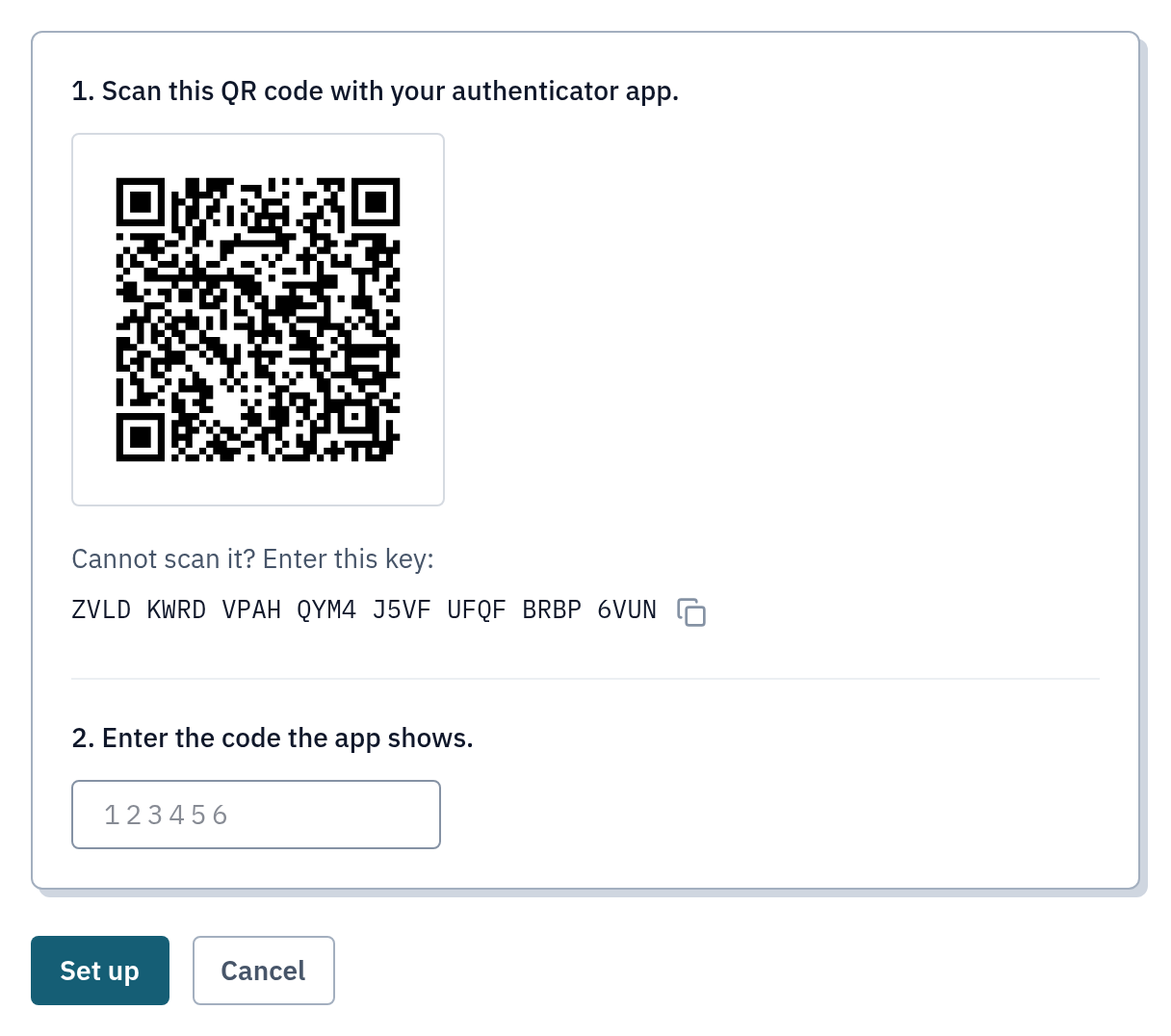
Two-factor authentication asks for a code from an authenticator app on your phone after your password. You can use any authenticator app, such as Aegis, Ente Auth, Google Authenticator or Microsoft Authenticator.
- Setting it up gives you 10 recovery codes. Keep them somewhere other than your phone.
- If you lose your phone, enter a recovery code instead of the app's code. Each recovery code works once.
- If you lose both your phone and your recovery codes, write to support@workanother.day. Two-factor authentication is removed once you show that the account's email address is yours.
API tokens
An AI assistant with a token can read your contracts, days off and hours, invoices and payments, and your tax months, register and filings, through MCP. It cannot change or send anything, or log in to the site.
- A token is shown only once, when you create it. Create one per assistant, and remove it when the assistant no longer needs it.
- Up to 600 requests an hour.
For example, to add the server to Claude Code:
claude mcp add --transport http wad https://workanother.day/mcp/ \
    --header "Authorization: Bearer YOUR_TOKEN"
Calendar subscription
- Days off: from all your contracts.
- Tax dates: each month's Flat-rate tax on revenueRyczałt od przychodów ewidencjonowanychTax on revenue rather than on profit. A rate fixed by what the service is applies to everything invoiced and no costs come off; contributions paid do, under art. 11., ContributionsIn ordinary speech, everything paid to ZUS for a month: the składki społeczne, FP and FS, and the składka zdrowotna, all in one transfer. and Monthly contribution declarationDeklaracja rozliczeniowaThe monthly declaration of what contributions are owed, due by the 20th. A sole trader insuring nobody but themselves files it alone, except for a month of wakacje składkowe, which needs two ZUS RCA with it. with their amounts, the Annual ryczałt returnZeznanie o wysokości uzyskanego przychodu, wysokości dokonanych odliczeń i należnego ryczałtu od przychodów ewidencjonowanychThe annual return for ryczałt, filed between 15 February and 30 April., Revenue register fileJednolity Plik Kontrolny - Ewidencja PrzychodówThe ewidencja przychodów as XML, filed once a year by the PIT-28 deadline, separately from the return., the Annual health contribution settlementRoczne rozliczenie składki na ubezpieczenie zdrowotneThe annual settlement of the health contribution. The DRA for April works out the year before again, every month at the band the year ended in; a shortfall is due by 20 May, and an overpayment is claimed on RZS-R by 1 June or goes towards later contributions. and the time to apply for Contribution holidayOne month a calendar year in which the state pays the four social contributions and FP and FS. Applied for on the RWS in the month before; the health contribution is not covered, and a month under ulga na start does not qualify..
The calendar has no reminders. Set them up in your calendar app.
Anyone with the address can read the calendar. If someone else gets it, select Reset address in Settings. The old address stops working.
Subscribe to the address in your calendar app, such as Google Calendar, Apple Calendar or Outlook. How soon a change shows depends on the app.
Export
One zip of everything in your account:
invoices/: every invoice as a PDF, drafts included, and as sent to National e-Invoicing SystemKrajowy System e-FakturThe national e-invoicing system. An invoice counts as issued on the day it is sent to KSeF, which gives it a KSeF number., with its Official receiptUrzędowe Poświadczenie OdbioruThe receipt returned once a filing has been processed. It is the only proof of filing.;filings/: every Revenue register fileJednolity Plik Kontrolny - Ewidencja PrzychodówThe ewidencja przychodów as XML, filed once a year by the PIT-28 deadline, separately from the return., with its UPO;tax_returns/: the Annual ryczałt returnZeznanie o wysokości uzyskanego przychodu, wysokości dokonanych odliczeń i należnego ryczałtu od przychodów ewidencjonowanychThe annual return for ryczałt, filed between 15 February and 30 April. UPOs you recorded;records.json: sellers, buyers, contracts, days off and hours, invoices and payments.
Left out: KSeF and API tokens, the calendar address, and two-factor authentication.
Deleting your account
Everything in your account is deleted from the site at once. Backups made before then keep it indefinitely. Invoices sent to National e-Invoicing SystemKrajowy System e-FakturThe national e-invoicing system. An invoice counts as issued on the day it is sent to KSeF, which gives it a KSeF number. stay in KSeF.
You must keep Polish invoices for five years from the end of the year their tax was due, so download the export first.
Who can read your records
- You. Other accounts cannot see your records.
- The site's operator, who can technically read your records but not your National e-Invoicing SystemKrajowy System e-FakturThe national e-invoicing system. An invoice counts as issued on the day it is sent to KSeF, which gives it a KSeF number. tokens.
- KSeF and the Ministry of Finance: what you send them.
- A buyer: the invoices emailed to them.
- An AI assistant with an API token: what that token can read.
- A calendar app with your calendar address: your days off and tax dates.
The privacy note has the rest: where records are kept, backups and logs.